Do You Really Need a Graphic for Every Social Media Post?
Social media marketing comes with plenty of decisions. What should you post? Which platform should you use? How often should you publish? And, of course, does every post need a professionally designed graphic?
The short answer is no.
Social media graphics are valuable tools for communicating your message, reinforcing your brand, and catching your audience’s attention. But that doesn’t mean every Facebook update, Instagram post, or LinkedIn thought needs a custom design.
Sometimes, a polished graphic is exactly what your content needs. Other times, an authentic photo, a short video, or a few well-written sentences can do the job just as well—or even better.
The key is understanding when a graphic adds value and when it becomes an unnecessary extra step.
When You Should Use Social Media Graphics
Graphics are especially useful when you need to communicate information quickly, make a message visually memorable, or create a consistent brand experience.
Here are five situations when a designed graphic can make a difference.
1. You’re Promoting a Product, Service, or Special Offer
When you’re advertising a service, announcing a new product, or promoting a limited-time offer, a graphic can help your message stand out.
A well-designed promotional post can highlight the most important information, such as:
- What you’re offering
- Who the offer is for
- What makes it valuable
- How people can learn more or take action
For example, a real estate agent might use a branded graphic to promote a new listing, an open house, or a buyer consultation. A small business owner might create a graphic announcing a seasonal promotion or a new service.
The goal: Make the offer easy to understand and give your audience a clear next step.
Just remember that your graphic shouldn’t try to do all the work. Pair it with a compelling caption that adds context and includes a call to action.
2. You’re Sharing Tips, Statistics, or Educational Content
Educational content is a great opportunity to use graphics.
If you’re sharing a checklist, explaining a process, or highlighting an interesting statistic, visual design can help organize the information and make it easier to digest.
Consider these examples:
- A real estate agent sharing five things buyers should know before making an offer
- A marketing consultant explaining common website mistakes
- A home builder highlighting popular kitchen design features
- A small business owner sharing a step-by-step guide
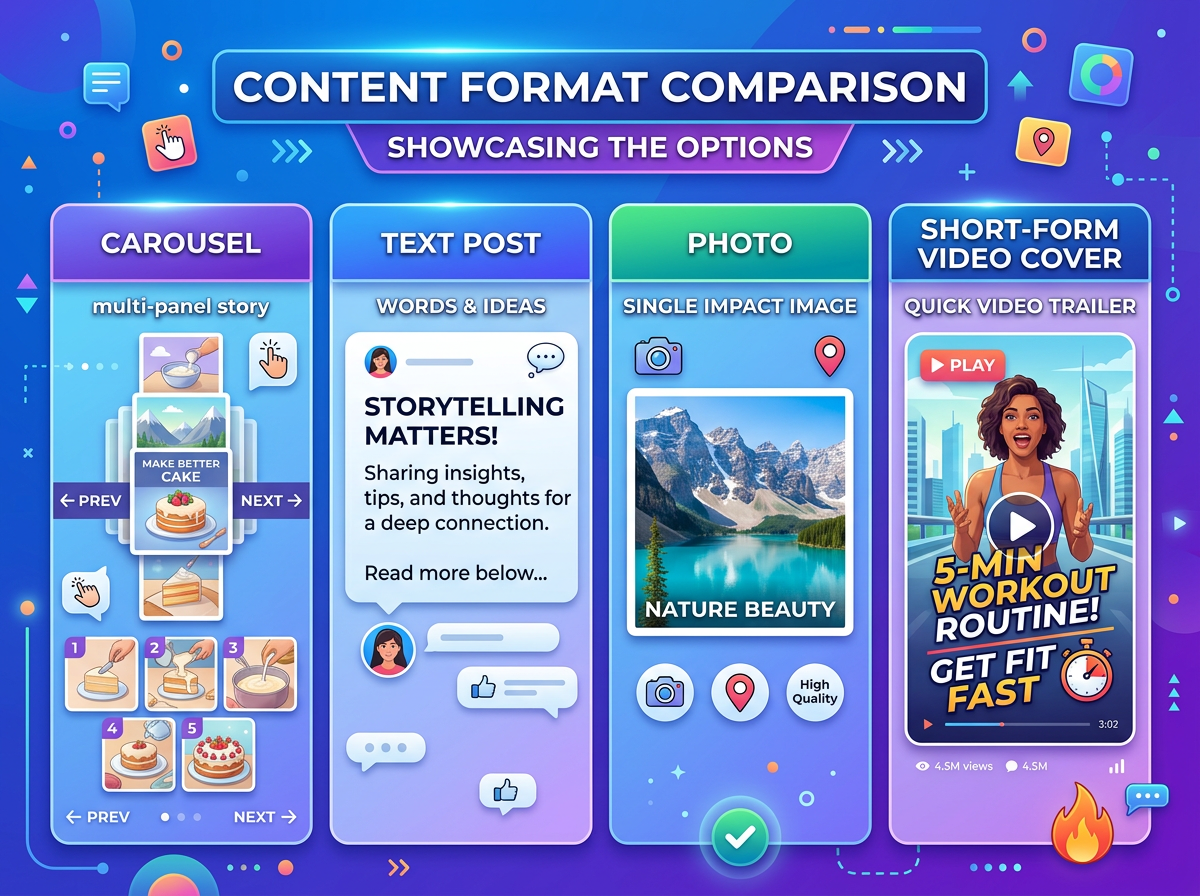
Infographics, carousel posts, and simple text-based designs can break complicated information into smaller, more manageable pieces.
Instead of asking your audience to read a long block of text, you can use headings, icons, illustrations, and concise explanations to guide them through the information.
The goal: Make useful information easier to understand, remember, and share.
3. You Want to Reinforce Your Brand Identity
Consistency matters in marketing. When your content uses recognizable colors, fonts, logos, and design elements, people have more opportunities to become familiar with your brand.
Social media graphics can help establish that visual identity.
You might create templates for:
- Weekly tips or educational posts
- Customer testimonials
- Frequently asked questions
- Service highlights
- Quotes or industry insights
- Upcoming events and announcements
You don’t need to make every graphic look identical. In fact, a feed filled with nearly identical designs can become repetitive. Instead, develop a recognizable visual style that allows you to vary your content while maintaining brand consistency.
A simple brand kit in Canva can make this process easier by keeping your colors, fonts, and logos organized.
The goal: Help your audience recognize your business without making every post feel like an advertisement.
4. You’re Announcing an Event or Important Update
Some messages benefit from a visual that immediately communicates the essential details.
Examples include:
- Open house announcements
- Workshops and webinars
- Grand openings
- Community events
- New business hours
- Product launches
- Important deadlines
For these posts, a graphic can help people quickly identify what is happening, when it is happening, and where they can find more information.
Keep the design focused. Include the essential details, make the most important information easy to spot, and direct readers to the caption or a link for additional information.
The goal: Communicate the announcement clearly enough that someone scrolling quickly can understand it.
5. You’re Creating Content People May Want to Save or Share
Certain types of content are naturally suited to visual presentation.
Checklists, reference guides, comparison charts, planning tips, and concise how-to instructions can make useful graphics because people may want to revisit them later.
For example, a marketing agency could create a graphic outlining a basic social media planning checklist. A real estate professional might share a seasonal home maintenance guide.
Think beyond making something attractive. Ask yourself whether the graphic gives people a reason to save it, share it, or refer to it again.
The goal: Create something useful enough to earn continued attention beyond the initial scroll.
When You Don’t Need a Social Media Graphic
Now for the other side of the equation: not every post needs a design project.
Sometimes, skipping the graphic saves time and helps your content feel more natural.
1. You’re Sharing a Personal Update or Behind-the-Scenes Moment
A quick photo of your workspace, a team member preparing for an event, or a glimpse of a project in progress can tell a story without a custom-designed overlay.
For example, a real estate agent might share a photo from a property tour. A small business owner could post a picture of a new product arriving. A marketing professional might show a behind-the-scenes look at a design project.
These moments can help people connect with the humans behind a business.
A natural photo with a thoughtful caption may feel more genuine than a heavily designed graphic.
The takeaway: If the moment itself is interesting, let the moment do the talking.
2. You’re Sharing an Opinion or Starting a Conversation
Want to ask your audience a question, share a professional insight, or discuss an industry trend?
A text-based post may be all you need.
For example:
“What’s one marketing task you wish you had more time to tackle?”
Or:
“An updated website is great, but if nobody can find it, you’re missing an important part of the marketing equation.”
These posts invite people to respond to your ideas rather than simply react to a design.
This approach can work particularly well on text-friendly platforms such as LinkedIn and Threads, although the best format depends on your audience and the subject.
The takeaway: When the conversation is the content, don’t add design work just for the sake of it.
3. You’re Sharing a Short Video
If you’re creating a Reel, TikTok, or another short-form video, the video itself is the primary visual content.
You may still benefit from a branded cover image, captions, a title screen, or other visual elements. However, you don’t necessarily need to create a separate promotional graphic for every video.
Focus on making the video engaging, accessible, and easy to understand. Use on-screen text where it helps, and choose a cover that clearly communicates the topic when the platform displays one.
The takeaway: Let your video carry the message instead of creating extra assets that repeat the same information.
4. You’re Sharing a Link or Promoting a Blog Post
A link to a new blog article, resource, or website page doesn’t always require a custom graphic.
Depending on the platform, a link preview, a relevant photograph, or a short text introduction may be sufficient.
For example, when sharing a new blog post, you could introduce the problem the article solves, explain why the topic matters, and invite readers to click through.
A custom blog graphic can still be useful when you want a consistent visual identity or a shareable asset for Pinterest and other image-oriented platforms. But it shouldn’t become a requirement that delays publishing the article.
The takeaway: Make the value of the link clear. Add a graphic when it improves the presentation or supports your distribution strategy.
5. You’re Posting a Quick, Timely Update
Not every social media post needs to be planned days in advance.
You might want to respond to a relevant industry development, share a quick reminder, or comment on a timely conversation.
In these situations, speed and relevance may matter more than producing a polished design.
If a simple text post communicates your point effectively, publish it. Save the custom graphics for content that genuinely benefits from them.
The takeaway: Don’t let your design process become a bottleneck that keeps you from participating in relevant conversations.
Choosing the Right Format for Your Content
So, how do you decide which format to use? Start with the message, not the design.
| Content type | Format to consider |
|---|---|
| Product or service promotion | Branded graphic |
| Educational tips or checklists | Graphic or carousel |
| Behind-the-scenes content | Photo or short video |
| Personal opinion or discussion | Text post |
| Customer testimonial | Graphic, photo, or video |
| Blog promotion | Link preview, photo, or custom graphic |
| Event announcement | Branded graphic |
| Demonstration or tutorial | Short video |
| Quick update or timely comment | Text post or photo |
| Statistics or complex information | Infographic or carousel |
These are starting points, not strict rules. A customer testimonial might be more compelling as a short video, while a behind-the-scenes moment could work beautifully as a photo carousel.
Choose the format that makes the message easiest to understand and most relevant to your audience.
How to Create Social Media Graphics More Efficiently
If your business does benefit from regular graphic content, you don’t have to design every post from scratch.
A few simple practices can make the process much more manageable.
Create a Small Library of Templates
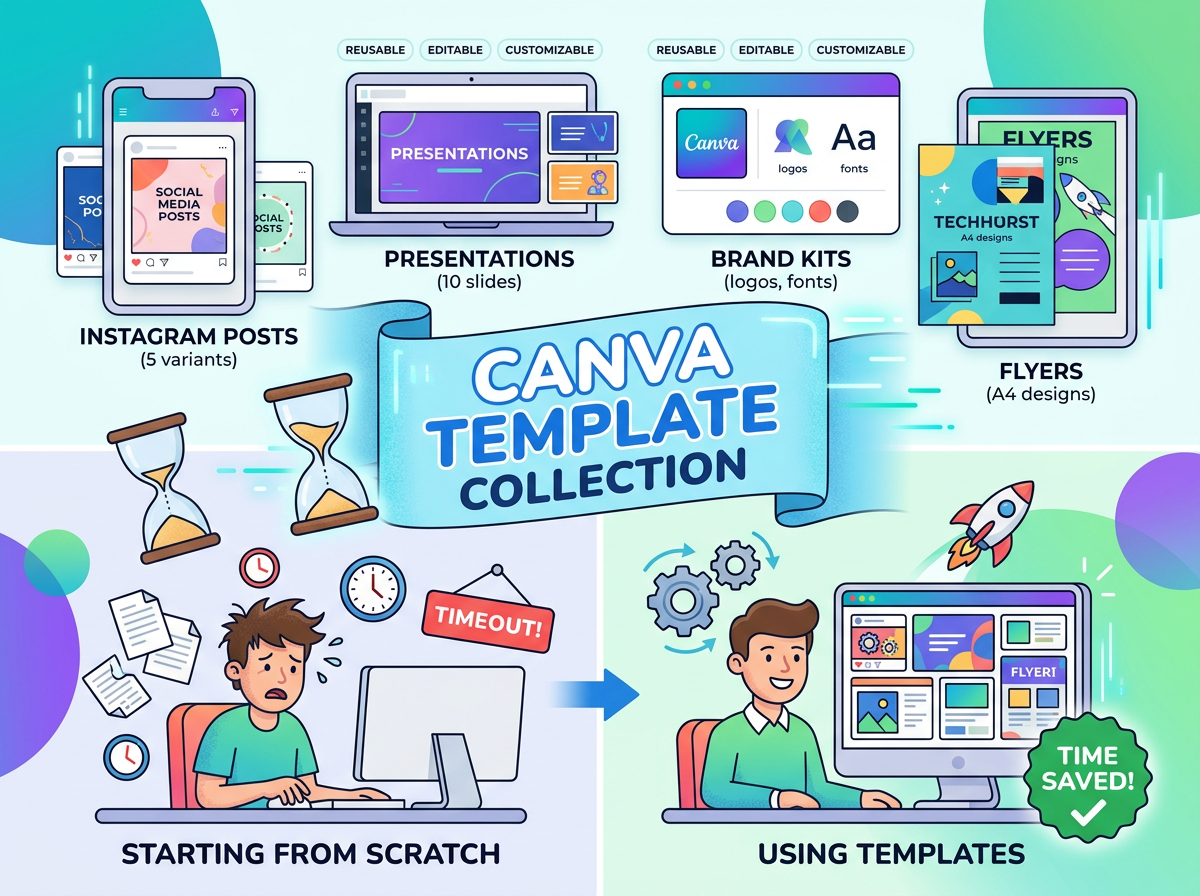
Develop reusable templates for your most common content categories, such as tips, testimonials, promotions, and announcements.
In Canva, you can create a set of branded designs that are easy to update with new text, photos, and information. This helps maintain visual consistency without requiring a new design for every post.
Plan Your Graphics Around Your Content Calendar
Look at your upcoming content and identify which posts actually need visual assets.
For example, if you’re planning a month of social media content, you might need custom graphics for an event announcement, an educational carousel, and a service promotion. Other posts might use existing photos, short videos, or text.
Planning ahead helps you avoid unnecessary design work and gives you more time to create stronger content.
Repurpose Designs When It Makes Sense
A useful infographic might become a series of smaller posts. A carousel could inspire a blog article. A blog post could provide the script for a short video.
Repurposing doesn’t mean posting the exact same asset everywhere. Adjust the format, dimensions, message, and call to action to suit each platform.
One strong idea can support several pieces of content without requiring you to reinvent the wheel.
Prioritize Quality Over Quantity
You don’t need a custom graphic for every post to maintain a professional presence.
A clear, well-written text post can be more effective than a cluttered graphic. A relevant photo can be more compelling than a generic stock image. And a useful video can communicate more than a design packed with paragraphs of text.
Focus on the quality and usefulness of your content rather than the number of graphics you produce.
The Bottom Line: Design With a Purpose
Social media graphics are an important part of a marketing toolkit, but they’re only one part of the bigger picture.
Use them when they clarify information, strengthen your brand, promote an offer, or make useful content easier to understand and share. Skip them when a photo, video, or straightforward text post communicates your message more effectively.
The best social media strategy isn’t about making everything look polished. It’s about choosing the right format for the right message and giving your audience a reason to pay attention.
And if you’re spending more time designing posts than planning what you want to say, it might be time to rethink your process.
Need Help With Your Social Media Graphics?
At LK Marketing, I help small businesses and real estate professionals create branded social media graphics and content that support their marketing goals.
From individual promotional designs to a consistent library of reusable templates, the right approach can help you spend less time guessing what to post and more time connecting with your audience.
Ready to give your social media a more strategic look? Visit LK Marketing to explore my marketing and design services.


Leave a Reply